

Why Your Eyes Hurt After a Day on Your Mac
If your eyes feel dry, tired, or achy by the afternoon, you’re not imagining it. Digital eye strain (sometimes called computer vision syndrome) is one of the most common complaints among people who spend hours in front of a screen — and a Mac’s crisp, bright display doesn’t automatically fix it.
The good news: most eye strain isn’t caused by “using a computer too much.” It’s caused by a handful of specific, fixable mismatches between your screen and your eyes.
What Actually Causes Digital Eye Strain
1. Your Blink Rate Drops By Half
Normally you blink about 15-20 times a minute. When you’re focused on a screen, that drops to roughly 7-8 times a minute. Fewer blinks means less tear film spread across your eyes, which means dryness and irritation build up fast.
2. Blue Light and Circadian Disruption
Screens emit a disproportionate amount of blue-wavelength light compared to natural light sources. In the evening especially, this can increase eye fatigue and interfere with your body’s natural wind-down signals.
3. Brightness and Contrast Mismatch With Your Environment
This is the big one most people miss. A screen that’s perfectly comfortable in a bright office becomes glaring in a dim room at night — and a screen that’s fine at night is washed out and hard to read in direct sunlight. Your eyes constantly re-adjust to compensate, and that adjustment work is exhausting over hours.
4. Poor Contrast on Text-Heavy Work
Reading dense text, code, or spreadsheets for long stretches puts extra strain on your eye muscles, especially if the contrast between text and background isn’t tuned for the task.
Common Fixes That Only Partially Work
- The 20-20-20 rule (look at something 20 feet away for 20 seconds every 20 minutes) helps your focusing muscles relax, but it doesn’t fix the root brightness/contrast mismatch.
- Night Shift / dark mode only shifts color temperature. It doesn’t adjust brightness, contrast, or saturation — and it applies the same warm tint at 2pm as it does at 2am, regardless of what you’re actually doing.
- Blue light glasses filter some wavelengths at the eye, but do nothing about screen brightness being wrong for your room. (We covered why these often underdeliver in 3 Better Alternatives to Blue Light Glasses for Digital Eye Strain.)
A Better Approach: Match the Display to the Moment
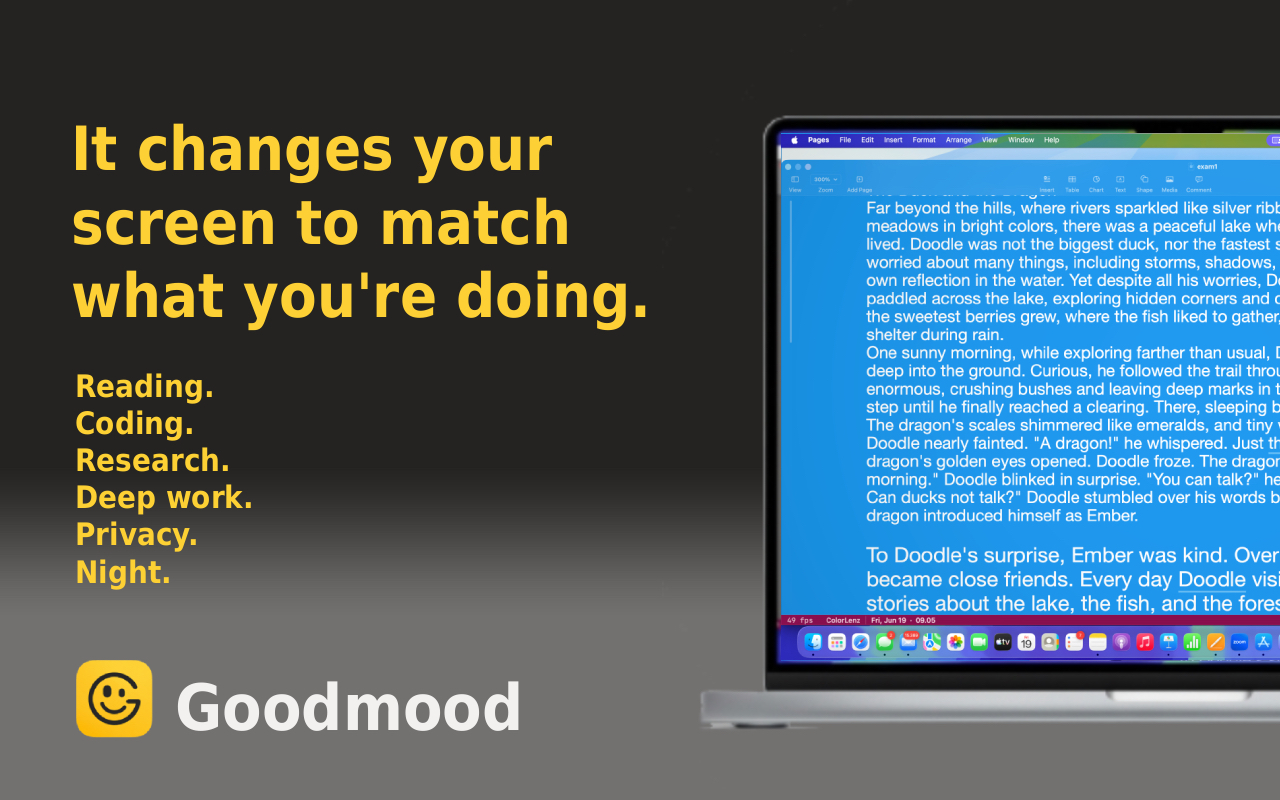
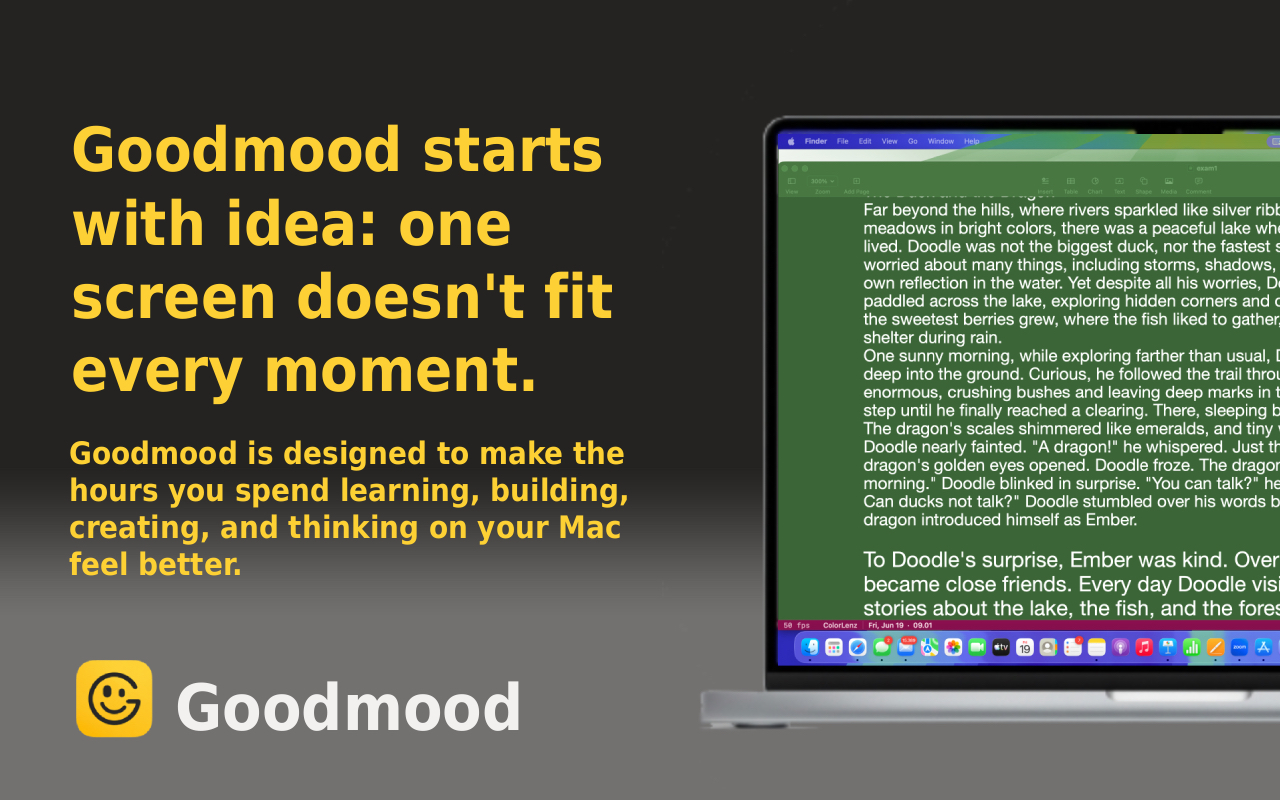
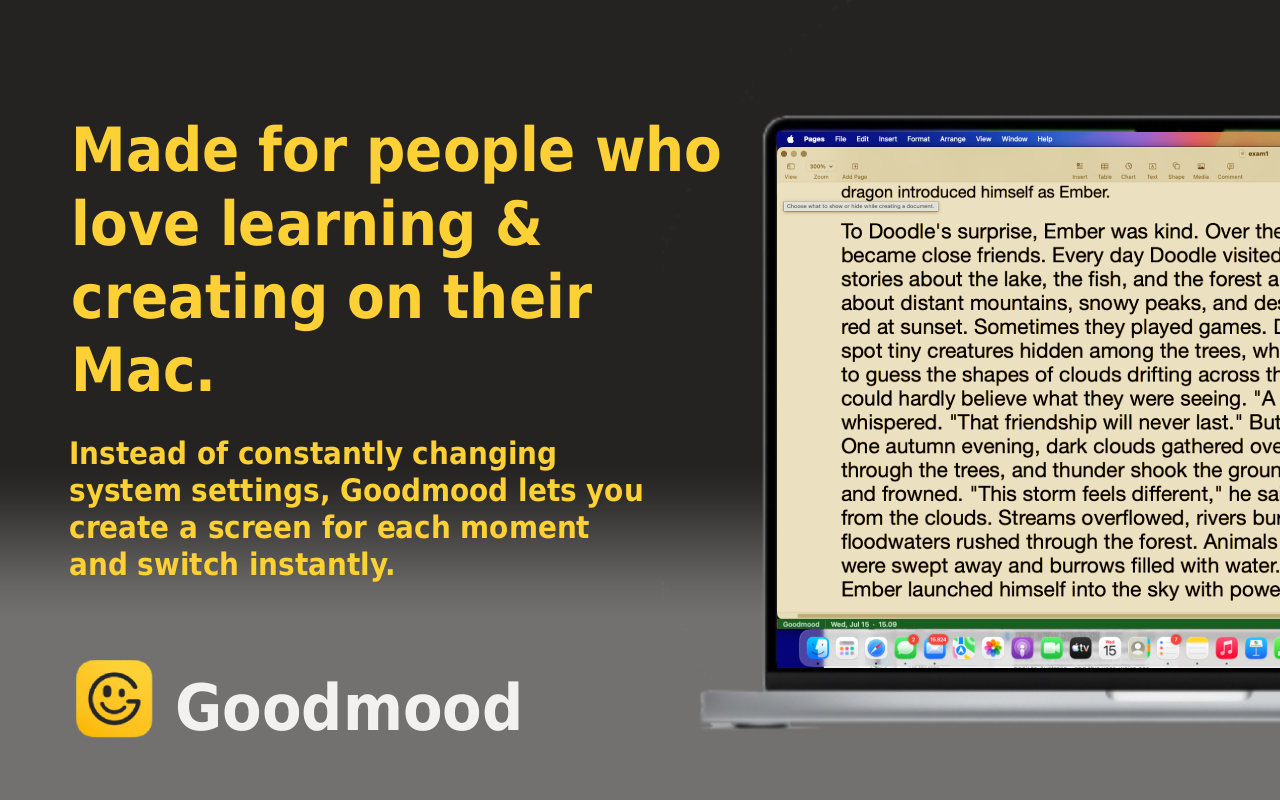
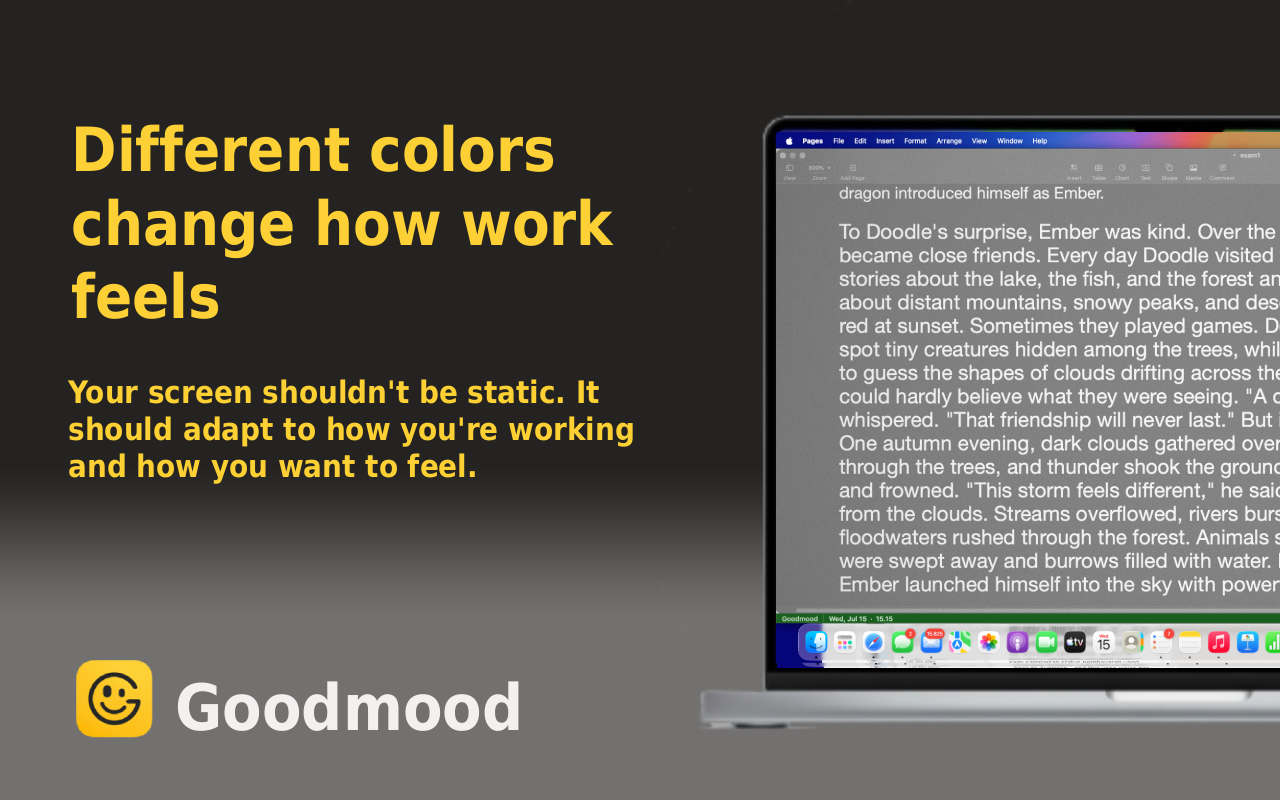
Instead of one static setting, the display needs to adapt to two things at once: what you’re doing and what’s around you. That’s the idea behind Goodmood, a macOS screen companion that lets you adjust color temperature, brightness, contrast, and saturation in real time — and switch between tuned presets for work, reading, studying, and winding down.
Watch It In Action
Settings That Actually Help With Eye Strain
- Lower color temperature in the evening — warmer tones reduce blue light exposure without the flat orange cast some tools apply at every hour
- Match brightness to your room, not a fixed number — a bright screen in a dark room forces your pupils to work overtime
- Increase contrast slightly for reading and code — sharper separation between text and background reduces the effort your eyes spend focusing
- Reduce saturation slightly for long sessions — very saturated displays can feel more visually “loud” over hours
Goodmood’s presets bake these combinations in, so you’re not manually tweaking four sliders every time your environment changes.
One More Thing That Helped: Prism and Reading Power in Computer Glasses
This part is one person’s personal experience, not medical advice — talk to an eye doctor before trying anything like this.
Your eyes aren’t really built to stare at something close-up, like a monitor, hour after hour. The muscles that hold your focus at near distance are working the entire time you’re looking at a screen, and over a full workday that adds up to real fatigue — separate from anything to do with brightness or blue light.
As a heavy computer user, the author of this article tried adding a small amount of prism — about 2.5 diopters in each eye — to a pair of glasses used only at the computer. The difference was noticeable: less muscle fatigue by the end of the day, less dryness, and less light sensitivity, because the focusing muscles weren’t working as hard.
A second adjustment helped too. The author also has some farsightedness, and added about +1 diopter of reading power to each lens, again specifically for the computer glasses, to take more load off the focusing muscles.
The important caveat: these are computer-only glasses. Prism and added reading power that make sense at monitor distance would be wrong — and disorienting — for everyday activities like walking, driving, or reading at other distances. This is a personal account of one setup that worked for one person’s eyes, not a general recommendation. It’s worth discussing with an eye doctor before trying, and it’s separate from anything Goodmood’s display adjustments do — this is about the physical muscles doing the focusing, not the light coming from the screen.
How to Get Started
Step 1: Download from the Mac App Store
Download Goodmood — Free on Mac App Store
Step 2: Try the Reading or Wind Down preset
These two presets are tuned specifically around reducing visual fatigue during long, focused sessions.
Step 3: Adjust to taste
If a preset is close but not quite right for your eyes, open Customize and nudge brightness, contrast, color temperature, or saturation — changes apply instantly.
Step 4: Let it follow your day
Switch presets as your activity or lighting changes. One click, no re-tuning from scratch.
Frequently Asked Questions
Does Dark Mode reduce eye strain? Dark Mode can help in low-light environments by reducing overall screen brightness, but it isn’t a complete fix. In bright rooms, dark backgrounds with light text can actually increase eye strain due to higher contrast glare. What matters more is matching brightness and contrast to your surroundings, not just the color scheme.
What is the best screen brightness for eye strain? As a rule of thumb, your screen brightness should roughly match the brightness of your surrounding environment. If your screen is noticeably brighter or dimmer than the room, your eyes have to work harder to adjust.
Can Night Shift alone fix eye strain? Night Shift only adjusts color temperature. It doesn’t touch brightness, contrast, or saturation — the other three factors that contribute just as much to eye strain, especially during the day.
How long before eye strain improves? Most people notice a difference within the first few days of matching their display settings to their environment and activity, though results vary based on how severe the strain was to begin with.
Discover Goodmood - Screen Companion
Related Articles
- Why Your Eye Drops Aren’t Working (And What Actually Helps)
- 3 Better Alternatives to Blue Light Glasses for Digital Eye Strain
- Can You Eat Your Way to Better Dry Eyes?
Ready to give your eyes a break? Watch the video above, then try Goodmood for yourself.